Granular
View/add/edit/delete → per action.
A cashier shouldn't see your profit. Define roles, tick exactly what each can do, give every staff member their own login, and review who did what.
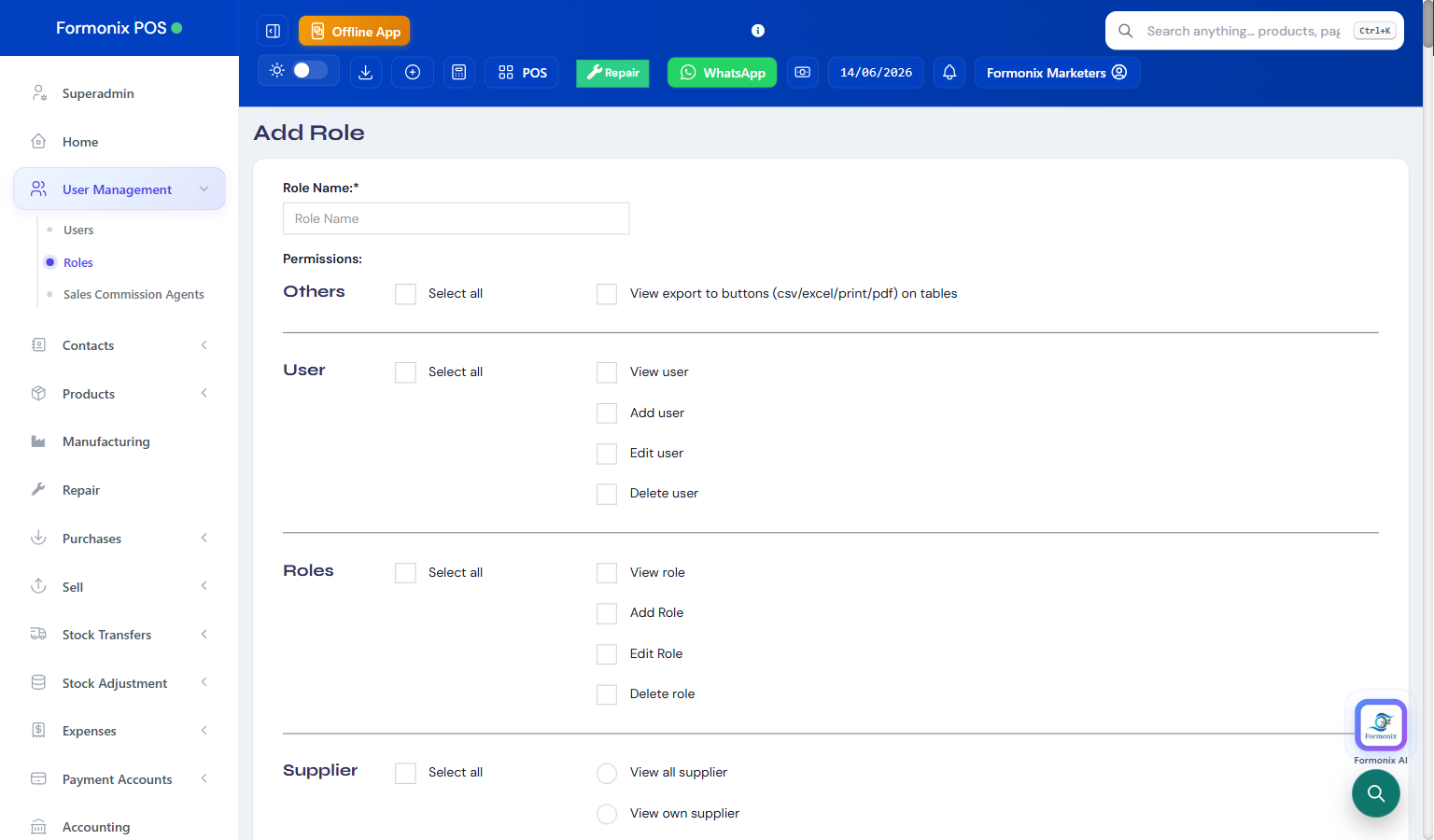
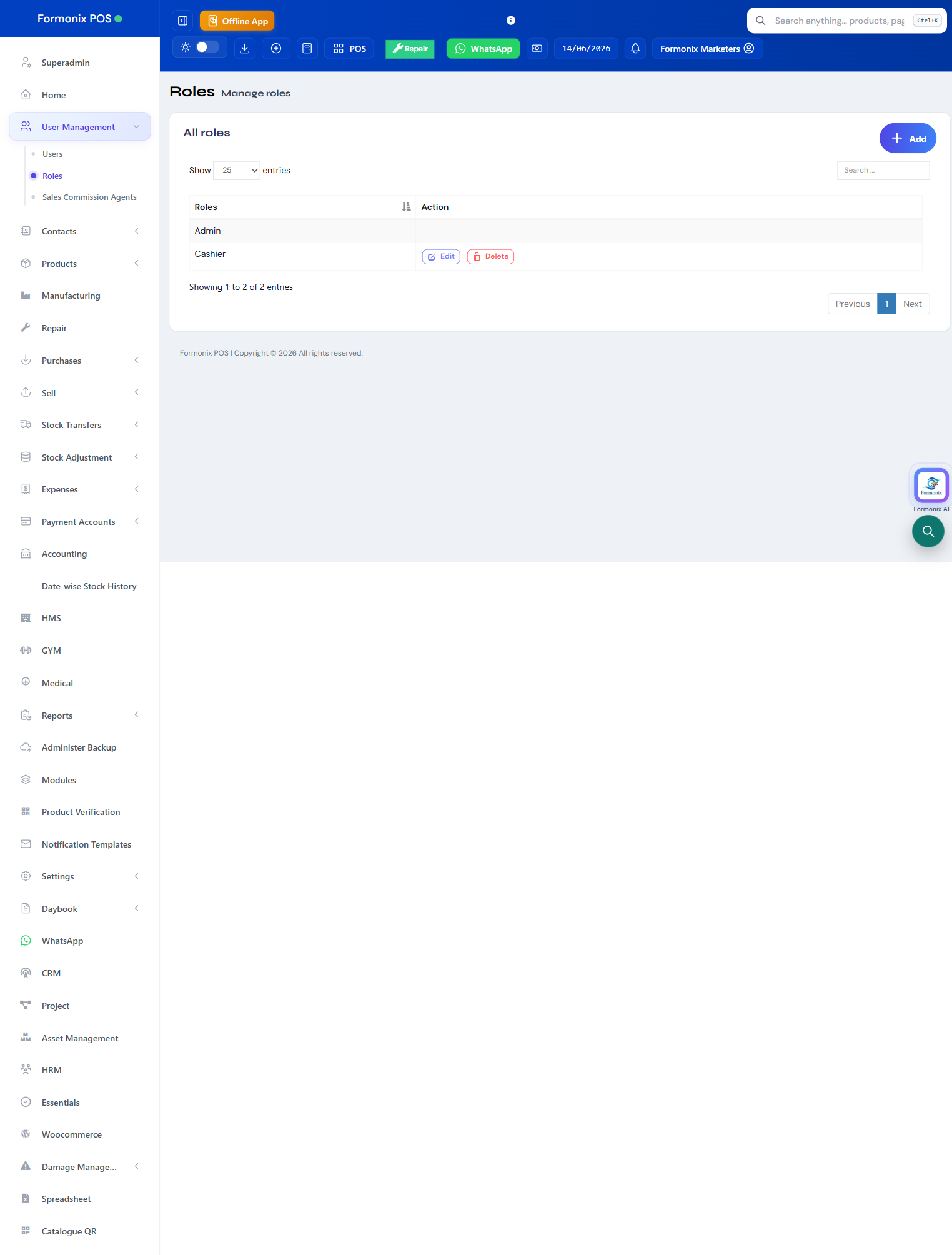
Only a manager should edit prices or delete invoices. Formonix lets you define roles and tick exactly which actions each can perform.
Create roles like Cashier, Manager or your own, then tick precise permissions — view, add, edit or delete — for every screen and action. Hide profit and reports from front-line staff while giving them everything they need to bill.
Give every staff member their own login and assign their role and allowed locations. A full activity log records who did what and when, so there's accountability for every key action.
View/add/edit/delete → per action.
Hide numbers → from front-line staff.
Each staff member → their own access.
Limit users → to specific locations.
Who did what → full audit trail.
Stop unauthorised edits & deletions.
“Cashier ko profit nazar nahi aati, manager ko sab. Granular permissions ne tension khatam kar di.”
“Kisne kya kiya, activity log mein sab record hai — staff accountability poori ho gayi.”
Yes. Permissions are granular — give cashiers billing access while keeping profit and reports for managers only.
Yes. Create unlimited users, each with their own login, role and allowed locations.
Yes — the activity log records every key action with the user and time.
Yes — assign allowed locations per user.
Register free and control exactly who sees and does what.